

Support Center
We are here to help you Search for an answer or browse help topics to create a ticket
Margin Pledge/ Unpledge
An investor is required to pledge the holding in favour of the trading member when trading limit is required.
Please refer to the attached SOC
Margin Pledge: Client with POA/ DDPI to Religare Broking Limited
- Margin Pledge Creation: Rs 10/- per transaction
- Margin Pledge Release (Religare Broking Limited Initiated): Rs 10/- per transaction
- Margin Pledge Release (Client-Initiated) : Rs 20/- per transaction
Margin Pledge: Client without POA/ DDPI to Religare Broking Limited
- Margin Pledge Creation: Rs 15/- per transaction.
- Margin Pledge Release (Religare Broking Limited Initiated): Rs 15/- per transaction
- Margin Pledge Release (Client-Initiated): Rs 30/- per transaction
An investor can request for unpledging of their holding to the trading member and the same is unpledged in case the holding is free. The pledged holding is unpledged if they are sold.
Dynami:
- Login to Mobile app.
- Go to Menu.
- Select Funds and Stocks.
- Next click on Margin Pledge and Select/ Unselect the shares & quantity you wish to pledge
- Click on PLACE PLEDGE REQUEST tab and CONFIRM & SUBMIT.
Website:
- Login and go to Dashboard
- Under My Account, select Funds and Stocks
- Here hover on Margin Pledge and Select or Unselect the shares & quantity you wish to pledge.
- Next click on PLACE PLEDGE REQUEST tab and CONFIRM & SUBMIT the request.
Please note that, investors will be redirected to the NSDL website where the ISIN is selected and confirmed. An OTP will be received on the registered mobile/ email ID. Post entering the OTP Click on Submit. Once the pledge is approved by NSDL, trading limit will be provided against the pledged stock the same day, as long as it is approved during the trading hours.
Dynami:
In the Dynami app, follow the path: Menu > Funds and Stock > Margin Pledge > PLEDGE STATUS.
Website:
On Website, login and go to dashboard. Under My account> Funds and stocks > Margin pledge >PLEDGE STATUS
An Investor is required to clear the debit balance against the purchased securities. If the investor fails to do so, the purchased shares are transferred to the client demat account, followed by an automatic pledge in favour of CUSPA (Client Unpaid Securities Pledge Account). The Investor must clear the debit balance immediately. If the debit is not cleared on or before the fifth trading day after the settlement, the debit balance will be recovered by reducing the holdings, including those in CUSPA.
Margin Trading Facility (MTF) is a facility that allows an investor to purchase and hold shares for a long duration by paying only a margin. The trading member makes the full payment (100%) to the exchange on behalf of the investor for the purchased shares.
The interest rate is as per the agreed terms with the client.
An investor can hold the positions under MTF as long as the margin is maintained. However, when no trade is made in the last 90 days, all the open positions are settled.
The interest is levied from the day, MTF positions are created.
MTF pledge refers to the securities purchased by the client and funded by the Trading Member. In contract, Margin pledge involves securities that are pledged as collateral. Additionally, no additional trading limit is provided against the MTF pledged securities. On the other hand, Margin Pledge allows for an extension of trading limit to the client, subject to available free securities.
No, MTF Facility is applicable for trading in equity shares only.
Dynami:
Individual account holders can activate the MTF through following steps:-
- Login on the Mobile App.
- Click on user icon (on the top right side under menu option).
- Select Edit profile and click on Buy and Pay Later (MTF) Activation.
2. Login the Web portal.
Go to My account then Click on Account details, Select Update Profile and click on Buy and Pay Later (MTF) Activation."
Non-individual account holders are required to mark email from registered email id at wecarereligareonline.com to activate the MTF or pay later request.
MTF deactivation can be initiated by submitting written request at the nearest branch or by sending email to wecare@religare.com from the registered email of the client.
Trade Anytime,
Anywhere
Experience seamless trading app with advanced features, intuitive design, and lightning-fast execution.
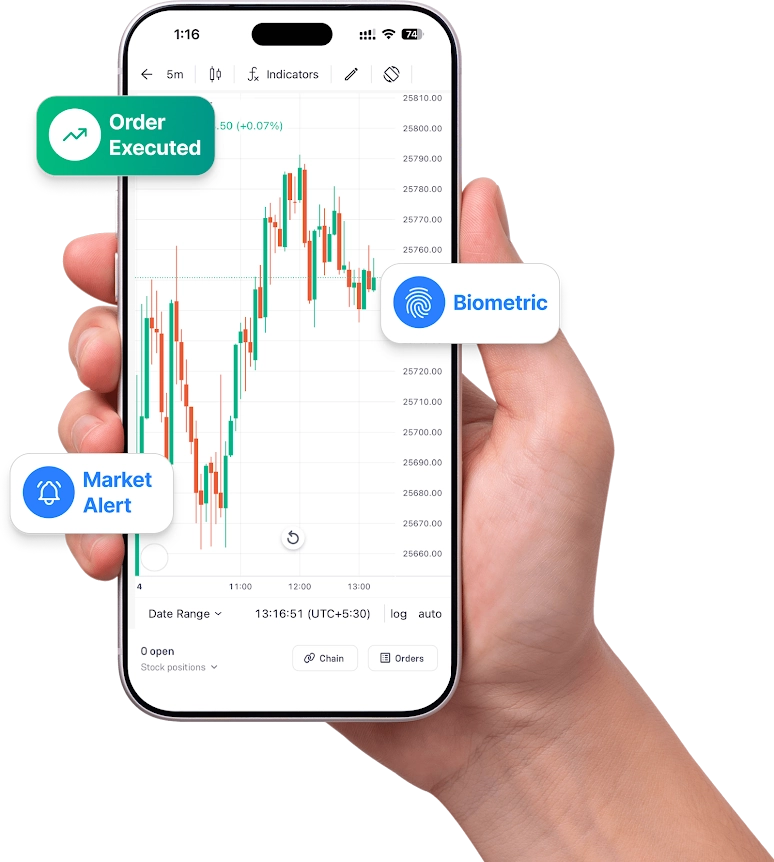
Unified Portfolio
All Assets, One App
Instant Market Alerts
Live Research, Zero Delay
Seamless Security
Biometric Login for Safe Trading
Actionable Ideas
Pre-built Options Strategies
Based on 27.8K reviews
1M+
Downloads